This might be the end of Gcam 7.3 for Greatness Cam
A lot of things happened throughout the journey. Thanks to the ones who were here from the beginning. Thanks to them who are in my alpha group testing for me everyday. Thanks to my XML makers. Some of whom I must specially mention are- @SixArmedPriest, @MadnessKnight, @dejavutr, eneRgy,@ImRM404, @jwernerny, @Dennisal, @therevofhumboldt, @Saitama_Sensei7, @GaruARG, @mridll and for the last few months Timo, @Usyless and @LThallen.
So, here I am, introducing GreatnessCam 2.2.
Changelog:
📱 Note that I work for OnePlus 7 Series only. As Arnova Sir has suggested me to make my mod the best for my own device first, here I am trying to give you as much stability as possible by me. For the other devices, I just try fix or add stuff as per people requests.
• Fixed all the AWBs, misbehaving AWBs from 2.1.1, seperated AWB for Aux.
• Fixed all the Aux problems that were reported.
• Added more controls to HDR Range. Includes Hue shift, HDR saturation, Highlight Color Tweak and some more. Several of them are never seen before on 7.3. Many of you don't know about @ytsependa who had discovered these addresses, kudos to him.
• Enabled RAW SENSOR access to some devices including Mi 10 Ultra
• Added Sabre option for 48mp on devices with support.
• Added option to select opening interface.
• Added option to utilize all the libpatchers. I use new codes to make them accessible or inaccessible based on which aux you have on or off.
• I fixed some other stuff on some phones as people requested, I don't really remember all tbh
• Updated Translations and tutorials, optimized all the codes, updated built in XML
• Fixed aux buttons nature, lifted them so that zoom and timelapse don't interfere.
• Added Video, Timelapse, Slowmotion Zoom upto 100x(Depends on your max zoom selection), fixed camcorder profile, video VF on some devices (thanks Abhi)
• Added manual aux button names (thanks wichaya), but I made it accepting longer lenght since language difference causes issues, also added option to select default zoom for UW Macro simulation
• Added dot fix for OP5 (thanks to Urnyx)
• Re arranged a lot of settings, better recommended to look around the app first.
That's all. A changelog doesn't really mean anything if you really use the cam. Yet it's there to solve credits issues, making stuff clear and for some people who love changelog. Be sure to try😅.
Notes:
• I recently discovered that exposure compensation can cause OnePlus Sunbug in extremely challenging situation. HDR Range control however can do the similar work of EV Comp without any bugs.
• If you find the word Experimental in some function, don't expect it to work.
• Unlike most other Urnyx based mods, Sabre works here. However the Sabre is not as strong as 7.4 Arnova mods since that is the best.
⚠ Be sure to uninstall previous Greatness Cam and install it since I changed the signkey.
I will update the CamStellar once more in next few days and we will be off to journey with 8.x afterwards.
A lot of things happened throughout the journey. Thanks to the ones who were here from the beginning. Thanks to them who are in my alpha group testing for me everyday. Thanks to my XML makers. Some of whom I must specially mention are- @SixArmedPriest, @MadnessKnight, @dejavutr, eneRgy,@ImRM404, @jwernerny, @Dennisal, @therevofhumboldt, @Saitama_Sensei7, @GaruARG, @mridll and for the last few months Timo, @Usyless and @LThallen.
So, here I am, introducing GreatnessCam 2.2.
Changelog:
📱 Note that I work for OnePlus 7 Series only. As Arnova Sir has suggested me to make my mod the best for my own device first, here I am trying to give you as much stability as possible by me. For the other devices, I just try fix or add stuff as per people requests.
• Fixed all the AWBs, misbehaving AWBs from 2.1.1, seperated AWB for Aux.
• Fixed all the Aux problems that were reported.
• Added more controls to HDR Range. Includes Hue shift, HDR saturation, Highlight Color Tweak and some more. Several of them are never seen before on 7.3. Many of you don't know about @ytsependa who had discovered these addresses, kudos to him.
• Enabled RAW SENSOR access to some devices including Mi 10 Ultra
• Added Sabre option for 48mp on devices with support.
• Added option to select opening interface.
• Added option to utilize all the libpatchers. I use new codes to make them accessible or inaccessible based on which aux you have on or off.
• I fixed some other stuff on some phones as people requested, I don't really remember all tbh
• Updated Translations and tutorials, optimized all the codes, updated built in XML
• Fixed aux buttons nature, lifted them so that zoom and timelapse don't interfere.
• Added Video, Timelapse, Slowmotion Zoom upto 100x(Depends on your max zoom selection), fixed camcorder profile, video VF on some devices (thanks Abhi)
• Added manual aux button names (thanks wichaya), but I made it accepting longer lenght since language difference causes issues, also added option to select default zoom for UW Macro simulation
• Added dot fix for OP5 (thanks to Urnyx)
• Re arranged a lot of settings, better recommended to look around the app first.
That's all. A changelog doesn't really mean anything if you really use the cam. Yet it's there to solve credits issues, making stuff clear and for some people who love changelog. Be sure to try😅.
Notes:
• I recently discovered that exposure compensation can cause OnePlus Sunbug in extremely challenging situation. HDR Range control however can do the similar work of EV Comp without any bugs.
• If you find the word Experimental in some function, don't expect it to work.
• Unlike most other Urnyx based mods, Sabre works here. However the Sabre is not as strong as 7.4 Arnova mods since that is the best.
⚠ Be sure to uninstall previous Greatness Cam and install it since I changed the signkey.
I will update the CamStellar once more in next few days and we will be off to journey with 8.x afterwards.
❤1
As usual, the updates are first released and available on BotTheGreat. You can avail them right now from the bot. Those will be also available on channel within a few hours.
Greatness Gcam Channel pinned «This might be the end of Gcam 7.3 for Greatness Cam A lot of things happened throughout the journey. Thanks to the ones who were here from the beginning. Thanks to them who are in my alpha group testing for me everyday. Thanks to my XML makers. Some of whom…»
Gcam7.3.018_Greatness.Build2.2. .apk
124.6 MB
com.google.android.GoogleCameraEng
Gcam7.3.018_Greatness.Build2.2DifPack. .apk
124.6 MB
com.bq.camerabq
Xml for mi 10 ultra and Redmi Note 9pro.
Some others will follow for mi 10 lineup
Both XML's are created to get real world look with slightly more dynamic range and a noise to detail ratio to get more quality shots
Special thanks to the developer @rakinthegreat for the amazing work and support 👏
Some others will follow for mi 10 lineup
Both XML's are created to get real world look with slightly more dynamic range and a noise to detail ratio to get more quality shots
Special thanks to the developer @rakinthegreat for the amazing work and support 👏
This media is not supported in your browser
VIEW IN TELEGRAM

GcamGoGreatnessNS2. .apk
20 MB
Gcam Go Mod: Greatness NS2
-Added Both 32Bit and 64Bit Support
-Increased Back Nightsight Resolution to 12MP, but kept front nightsight resolution to normal because it requires different dimensions based on device, or else it will malfunction.
-A more close to real standard UI
Note that Nightsight requires Camera2API exposed RAW support. However. some other functions run without Camera2API Limited and legacy. This app contains both arm64-v8a and armeabi-v7 libs so will install on both arch.
Don't talk about this on GreatnessCam Group. Join @GcamGo to discuss. PM will lead to FedBan from all my groups. You are free to share this app with proper credits. However, please don't give link to my profile since people bug me on PM.
-Added Both 32Bit and 64Bit Support
-Increased Back Nightsight Resolution to 12MP, but kept front nightsight resolution to normal because it requires different dimensions based on device, or else it will malfunction.
-A more close to real standard UI
Note that Nightsight requires Camera2API exposed RAW support. However. some other functions run without Camera2API Limited and legacy. This app contains both arm64-v8a and armeabi-v7 libs so will install on both arch.
Don't talk about this on GreatnessCam Group. Join @GcamGo to discuss. PM will lead to FedBan from all my groups. You are free to share this app with proper credits. However, please don't give link to my profile since people bug me on PM.
This media is not supported in your browser
VIEW IN TELEGRAM
Great_X2ProV2.2.xml
19.8 KB
Realme X2Pro XML file for Greatness gcam build 2.2, focused on color accuracy
- AWB: Back S5KGW1, Front IMX471, Aux Lens Pitbull AWB2. Enable/disable if light gives weird tints.
- Google lib
- OPPO Stream modes
- Sabre activated in front and ultrawide
- Video working with all lens
- Custom tone curve
- Tunned libpatcher for all lens
*If you like less detailed portraits, reduce Sharpness value in 'Advanced > Lib Patcher > Back camera' and save as a separated XML
Special thanks to all devs who made this mod possible.
- AWB: Back S5KGW1, Front IMX471, Aux Lens Pitbull AWB2. Enable/disable if light gives weird tints.
- Google lib
- OPPO Stream modes
- Sabre activated in front and ultrawide
- Video working with all lens
- Custom tone curve
- Tunned libpatcher for all lens
*If you like less detailed portraits, reduce Sharpness value in 'Advanced > Lib Patcher > Back camera' and save as a separated XML
Special thanks to all devs who made this mod possible.
This media is not supported in your browser
VIEW IN TELEGRAM
Timo_Greatness2.2.xml
19.9 KB
Greatness Changelog
Timo_Greatness2.2
For OP7 Series
Download the APK here:https://www.celsoazevedo.com/files/android/google-camera/f/changelog1443/
- New buttons for faces and macro for optimized shots.
- Aimed at detail and avoiding crushing shadows
- Stream Mode (adjusted)
- Camera IDs Enabled - (Main, Wide, Tele, Macro, Faces)
- Tone Map (Custom)
- Dehaze (0.5)
- Contrast (0)
- Back Cam AWB (IMX586 SEMCO) Default OFF
- Sharpness (1.375)
- Custom Denoise Values(Wide, Main, Tele, Macro, Faces)
Special Thanks to Rakin for making this mod possible!
Greatness v2.2
Timo_Greatness2.2
For OP7 Series
Download the APK here:https://www.celsoazevedo.com/files/android/google-camera/f/changelog1443/
- New buttons for faces and macro for optimized shots.
- Aimed at detail and avoiding crushing shadows
- Stream Mode (adjusted)
- Camera IDs Enabled - (Main, Wide, Tele, Macro, Faces)
- Tone Map (Custom)
- Dehaze (0.5)
- Contrast (0)
- Back Cam AWB (IMX586 SEMCO) Default OFF
- Sharpness (1.375)
- Custom Denoise Values(Wide, Main, Tele, Macro, Faces)
Special Thanks to Rakin for making this mod possible!
Greatness v2.2
ImRM404-Greatness2.2🍁Selfie.xml
19 KB
For OnePlus 7series
Only for selfie and People photo.
People who thought gcam's over sharpness ruined your skin tone will love this xml.
- Balenced sharpness and details
- Good skin tone
- If you want little warmer tone just turn on AWB(Auto White Balance)
If you find anything wrong just DM me.
Special thanks to Rakin for make this amaizing mod possible!
Only for selfie and People photo.
People who thought gcam's over sharpness ruined your skin tone will love this xml.
- Balenced sharpness and details
- Good skin tone
- If you want little warmer tone just turn on AWB(Auto White Balance)
If you find anything wrong just DM me.
Special thanks to Rakin for make this amaizing mod possible!
This media is not supported in your browser
VIEW IN TELEGRAM
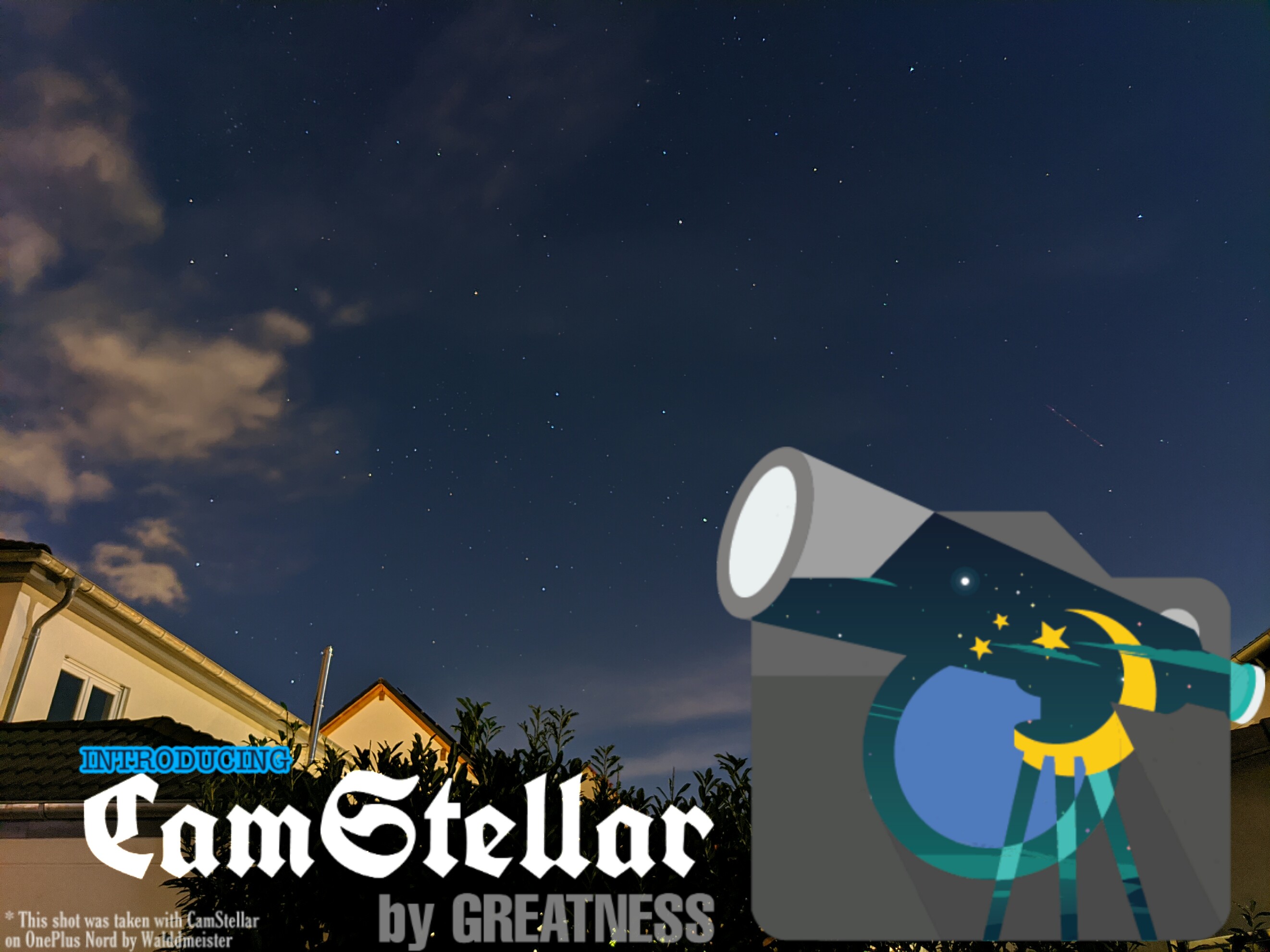
Introducing CamStellar 2! Incremental update to the astrophotography spin-off from Greatness Cam.
Changelog:
1. Fixed Nightsight Manual Focus OptionsMenu. (Top Bar)
2. Finally a perfect sabre. It works as perfect on 7.3 I could offer.
3. Readjusted Patcher. Should remove all the vignette and shadow crushing from last version. It should give you great results on normal Nightsight and sometimes day landscape as well.
4. Enabled option to choose relative amount of astrophotography frames.
5. Added Basic Image Tuning Tools for slight adjustment if someone personally wants to change.
6. UI changes following Gcam 8.0, icon changed (designed by MadnessKnight), improved tutorials.
7. Better control over ISO/Exposure Time. Samsung Galaxy S10 series users can use 8 sec exposure now.
8. Interstellar Zoom on Video, Timelapse, Slowmotion is allowed beyond 100x now on the sensors and devices it is supported (like ultrawide or telephoto on OnePlus 7 series)
9. Option to use RAW SENSOR instead of RAW10 for all devices.
10. Default zoom from Greatness Cam returns.
And as usual, the features from CamStellar 1 retains. It should provide you the best astrophotography results from Gcam mods out there due to the way it was tuned. Be sure to try it out if you love astrophotography. I promise you won't be disappointed. However, note that this is not a complete mod. You can use it in parallel with GreatnessCam.
⏏️Must uninstall previous CamStellar before installing this. However this app can be installed alongside any other apps/Gcam. As like the last time, you don't need any xml. After installing, visit the settings once and use system back button or system side swipe back gesture so the app restarts and changes get applied. And yeah this app is as simple as it gets, so don't be shy to explore.
Changelog:
1. Fixed Nightsight Manual Focus OptionsMenu. (Top Bar)
2. Finally a perfect sabre. It works as perfect on 7.3 I could offer.
3. Readjusted Patcher. Should remove all the vignette and shadow crushing from last version. It should give you great results on normal Nightsight and sometimes day landscape as well.
4. Enabled option to choose relative amount of astrophotography frames.
5. Added Basic Image Tuning Tools for slight adjustment if someone personally wants to change.
6. UI changes following Gcam 8.0, icon changed (designed by MadnessKnight), improved tutorials.
7. Better control over ISO/Exposure Time. Samsung Galaxy S10 series users can use 8 sec exposure now.
8. Interstellar Zoom on Video, Timelapse, Slowmotion is allowed beyond 100x now on the sensors and devices it is supported (like ultrawide or telephoto on OnePlus 7 series)
9. Option to use RAW SENSOR instead of RAW10 for all devices.
10. Default zoom from Greatness Cam returns.
And as usual, the features from CamStellar 1 retains. It should provide you the best astrophotography results from Gcam mods out there due to the way it was tuned. Be sure to try it out if you love astrophotography. I promise you won't be disappointed. However, note that this is not a complete mod. You can use it in parallel with GreatnessCam.
⏏️Must uninstall previous CamStellar before installing this. However this app can be installed alongside any other apps/Gcam. As like the last time, you don't need any xml. After installing, visit the settings once and use system back button or system side swipe back gesture so the app restarts and changes get applied. And yeah this app is as simple as it gets, so don't be shy to explore.
Greatness Gcam Channel pinned «Introducing CamStellar 2! Incremental update to the astrophotography spin-off from Greatness Cam. Changelog: 1. Fixed Nightsight Manual Focus OptionsMenu. (Top Bar) 2. Finally a perfect sabre. It works as perfect on 7.3 I could offer. 3. Readjusted Patcher.…»
Greatness Gcam Channel
CamStellar_Greatness.Build2. .apk
If someone faces problems downloading this, download from here
This media is not supported in your browser
VIEW IN TELEGRAM