

Reverse engineer any app, then build the feature yourself
You spot a feature you like in an app with no source code. Rea connects your coding agent to reverse-engineering tools so it can open that app, explain the feature, and help you build your own version of it.
Spot a feature, want it — ask your agent to investigate, no source code needed
Any target — native binaries, JavaScript and Electron apps, .NET, even websites
Ask in plain English — it decompiles the app and traces the code behind a feature
Evidence included — shows the clues and the trail it followed, not just a conclusion
From insight to code — turns what it learned into a feature inside your own project
github.com/morluto/rea
You spot a feature you like in an app with no source code. Rea connects your coding agent to reverse-engineering tools so it can open that app, explain the feature, and help you build your own version of it.
Spot a feature, want it — ask your agent to investigate, no source code needed
Any target — native binaries, JavaScript and Electron apps, .NET, even websites
Ask in plain English — it decompiles the app and traces the code behind a feature
Evidence included — shows the clues and the trail it followed, not just a conclusion
From insight to code — turns what it learned into a feature inside your own project
How it works, and what it needs
Rea gives your coding agent a set of reverse-engineering tools over MCP, and the same tools work from your terminal. It decompiles the target, recovers readable code, strings and names, then follows that trail across the app until it can explain how a feature works — with the evidence attached, not just a verdict.
Rea itself is free and MIT-licensed. It runs inside the agent you already have — Claude Code, Cursor, Codex, Gemini CLI, Windsurf and others — so you still pay for whatever model access that agent uses. Rea doesn't add its own API bill.
Requires: macOS 12+, or Ubuntu 24.04+ / Fedora 41+ / 64-bit Arch Linux; Node.js 22.19+, 24.11+ or 26+; npm. Native binary analysis needs Hopper or Ghidra installed separately — Hopper's free demo runs under vendor-set limits, Ghidra is free but you install and point Rea at it yourself. Windows support via Ghidra is experimental and covers x86-64 PE apps on local NTFS only.
The catch: without Hopper or Ghidra, native binaries are off the table — JS, Electron, .NET and web targets don't need them. The project also says it doesn't recover original source or auto-clone an app; it explains and rebuilds, evidence attached.
Try it withnpx rea-agents setup, which walks through connecting your agent and, on macOS, can install Hopper with your approval. A plain CLI install isnpm install --global rea-agentsthenrea setup.
Use it instead of opening Hopper or Ghidra cold when you want an agent to drive the trace and explain it in English. Skip it if you need guaranteed source recovery rather than a reconstructed, evidence-backed feature.
github.com/morluto/rea
👍1
REA vs ida-pro-mcp
Both wire an AI agent to a decompiler over MCP so you can ask how a feature works and get traced evidence for the answer; REA pairs free Hopper/Ghidra-driven native analysis with JavaScript, Electron, .NET, and website support in one guided setup, while ida-pro-mcp hands the same questions to IDA Pro's decompiler and debugger.
Pick REA if you want one agent workflow spanning native binaries, JavaScript/Electron apps, .NET assemblies, and websites without buying a decompiler license
Pick ida-pro-mcp if you already own IDA Pro and want its best-in-class decompiler and debugger driven by an agent, for native-binary work only
Price & Licensing
REA — free OSS; Hopper/Ghidra optional
ida-pro-mcp — free tool; needs paid IDA Pro
Setup & Integration
REA — one npx wizard, 12 agents
ida-pro-mcp — manual setup, 20+ MCP clients
Analysis Scope
REA — native bins + JS/Electron/.NET/web
ida-pro-mcp — native binaries only, via IDA
Limits & Maturity
REA — still needs Hopper or Ghidra
ida-pro-mcp — author now favors Hex-Rays' MCP
REA: https://github.com/morluto/rea
ida-pro-mcp: https://github.com/mrexodia/ida-pro-mcp
Both wire an AI agent to a decompiler over MCP so you can ask how a feature works and get traced evidence for the answer; REA pairs free Hopper/Ghidra-driven native analysis with JavaScript, Electron, .NET, and website support in one guided setup, while ida-pro-mcp hands the same questions to IDA Pro's decompiler and debugger.
Pick REA if you want one agent workflow spanning native binaries, JavaScript/Electron apps, .NET assemblies, and websites without buying a decompiler license
Pick ida-pro-mcp if you already own IDA Pro and want its best-in-class decompiler and debugger driven by an agent, for native-binary work only
Price & Licensing
REA — free OSS; Hopper/Ghidra optional
ida-pro-mcp — free tool; needs paid IDA Pro
Setup & Integration
REA — one npx wizard, 12 agents
ida-pro-mcp — manual setup, 20+ MCP clients
Analysis Scope
REA — native bins + JS/Electron/.NET/web
ida-pro-mcp — native binaries only, via IDA
Limits & Maturity
REA — still needs Hopper or Ghidra
ida-pro-mcp — author now favors Hex-Rays' MCP
Side by side, in full
Price & Licensing
REA itself is MIT-licensed and free, and it can drive the free NSA tool Ghidra for native binaries, so the only cost most users add is Hopper's optional one-time $99 personal license (its demo blocks saving and exporting).
ida-pro-mcp itself is free and MIT-licensed, but it explicitly does not support IDA Free, so using it for real work means an IDA Pro subscription starting at €1,099/year (Essential) and rising to €8,599/year (Ultimate).
Setup & Integration
REA: A single `npx rea-agents setup` command configures REA's MCP access and workflow across 12 supported agents, including Claude Code, Cursor, and Codex, and can even install Hopper for you after you approve it.
ida-pro-mcp has no bundled installer: you must already own and install IDA Pro yourself, then manually point its Python MCP server at whichever of its 20-plus listed clients you want to use.
Analysis Scope
REA's catalog covers native binaries via Hopper or Ghidra plus JavaScript, Electron, .NET assemblies, and live websites, feeding one guided workflow that explains a feature and helps you rebuild it.
ida-pro-mcp exposes IDA Pro's decompiler, debugger, patching, type-inference, and cross-reference tools for native binaries only, with no built-in support for JavaScript, Electron, .NET, or websites.
Limits & Maturity
REA: Native-binary analysis in REA still leans on a separately installed Hopper or Ghidra, and its Windows path via Ghidra is explicitly an experimental, read-only slice covering just 25 inventory and function operations.
ida-pro-mcp requires a paid IDA Pro license since IDA Free isn't supported, and its own README now tells users to prefer the official Hex-Rays IDA MCP Server over this community project.
REA: https://github.com/morluto/rea
ida-pro-mcp: https://github.com/mrexodia/ida-pro-mcp
👍1😍1

macOS 27 won't let you turn off Apple Intelligence. This CLI does, and deletes the models too.
A one-command, open-source Swift tool switches off Apple Intelligence on macOS 27 and clears the disk space its models leave behind — fully reversible.
One command, no toggle hunt — turns off Apple Intelligence and deletes its models
Full breakdown —
Blocks the comeback — stops macOS downloading those models again
No phone home — makes no network requests and collects no data
Fully reversible —
github.com/omlahore/RemoveMacAI
A one-command, open-source Swift tool switches off Apple Intelligence on macOS 27 and clears the disk space its models leave behind — fully reversible.
One command, no toggle hunt — turns off Apple Intelligence and deletes its models
Full breakdown —
removemacai status lists each feature's model size on diskBlocks the comeback — stops macOS downloading those models again
No phone home — makes no network requests and collects no data
Fully reversible —
removemacai revert undoes everythingWhat's actually happening under the hood
RemoveMacAI installs a configuration profile that applies Apple's restriction keys for Apple Intelligence and forces the settings that have no restriction key. Models are removed through Apple's asset service — System Integrity Protection stays enabled, and nothing under /System is touched directly.
The same profile redirects any model download to a closed local port, so macOS can't fetch them again. Removing the profile (via revert) restores the previous settings, and macOS downloads the models again once a feature needs them.
The tool itself is free. It makes no network requests and collects no data — there's no model or API key involved, since it only deletes files and flips settings, nothing to pay for.
The "frees over 12GB" figure comes from Reddit discussion, not a benchmark the author or this channel ran.
Requires: Apple silicon, macOS 27 (tested on 27.0; on 27.0.1 use version 0.2.3 or later). macOS 26 and earlier are not supported.
The catch: Apple Silicon and macOS 27 only, and the release binary is ad-hoc signed but not notarized, so Gatekeeper blocks a browser-downloaded copy until you clear the quarantine flag yourself.
Install:curl -fsSL https://raw.githubusercontent.com/omlahore/RemoveMacAI/main/install.sh | bash
orbrew install omlahore/tap/removemacai. Use--keep <features>to leave some on, andremovemacai revertto undo everything.
github.com/omlahore/RemoveMacAI
❤3🤩1
⚡ AI News
Mistral launches Large 4, a 1.05T-parameter open model — Mistral's open-weight Large 4 ("Le Chonk") packs 1.05T parameters and a 1M-token context, rivaling top Chinese models.
DeepSeek nears $12B funding round ahead of 2027 IPO — Tencent and CATL are backing DeepSeek's funding round, which could reach $15B before its planned 2027 listing.
Anthropic expands Claude Startups program perks — Anthropic now gives qualifying startups a free year of Claude Team plus $1,000 in API credits and marketplace access.
Mistral launches Large 4, a 1.05T-parameter open model — Mistral's open-weight Large 4 ("Le Chonk") packs 1.05T parameters and a 1M-token context, rivaling top Chinese models.
DeepSeek nears $12B funding round ahead of 2027 IPO — Tencent and CATL are backing DeepSeek's funding round, which could reach $15B before its planned 2027 listing.
Anthropic expands Claude Startups program perks — Anthropic now gives qualifying startups a free year of Claude Team plus $1,000 in API credits and marketplace access.
🏆1
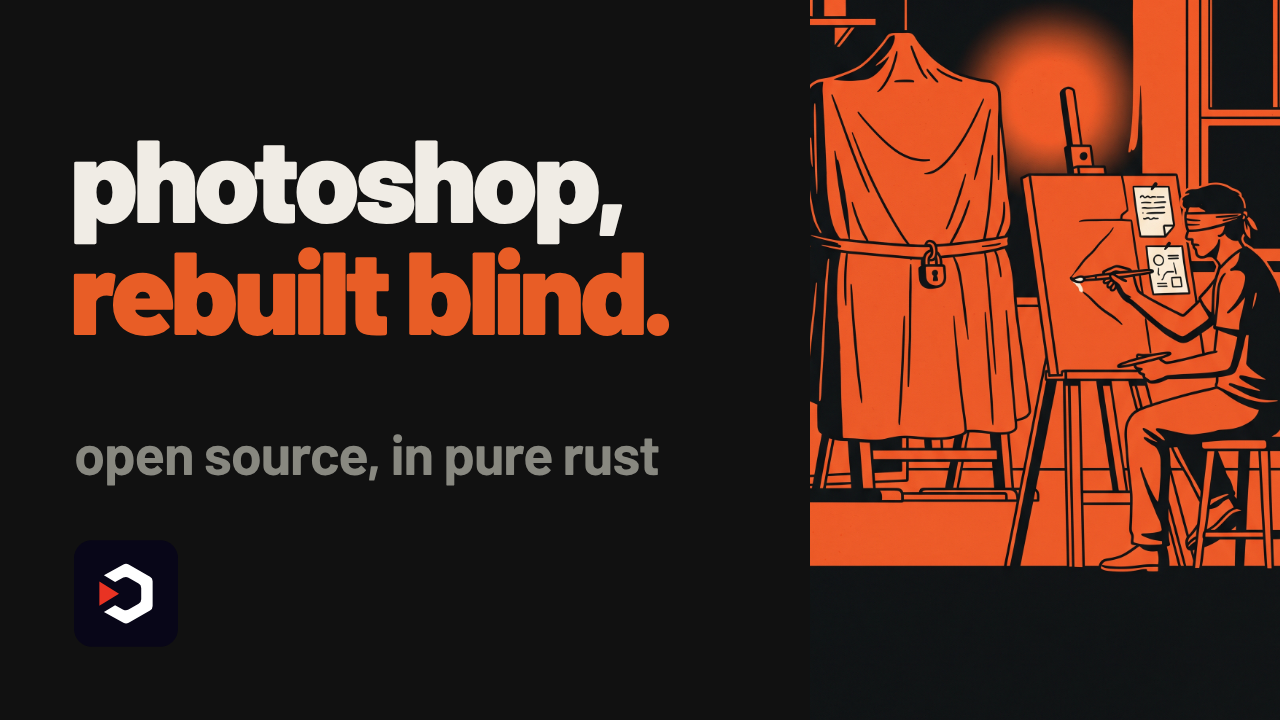
A Photoshop clone that never saw Adobe's code
The video shows PhotoCraft: an open-source Photoshop rebuild in pure Rust, with real PSD files and a GPU compositor instead of a web view.
Clean-room Photoshop clone — built from scratch, no Adobe code
Native, not a web app — GPU compositor in Rust, no Electron
Real PSD files — layers, masks, type and vectors round-trip
Local smart selection — object selection on-device, no cloud
Scriptable by design — every action is a command, agents included
https://github.com/storytold/photocraft
The video shows PhotoCraft: an open-source Photoshop rebuild in pure Rust, with real PSD files and a GPU compositor instead of a web view.
Clean-room Photoshop clone — built from scratch, no Adobe code
Native, not a web app — GPU compositor in Rust, no Electron
Real PSD files — layers, masks, type and vectors round-trip
Local smart selection — object selection on-device, no cloud
Scriptable by design — every action is a command, agents included
What's actually in PhotoCraft
PhotoCraft is a clean-room reimplementation of Photoshop: the team never looked at Adobe's source, and rebuilt layers, masks, adjustment layers, layer styles, type, vector shapes and brushes from scratch in Rust.
It opens and saves real PSD files. The project's own test suite reports that re-saving keeps the same render for 307 of the 309 files in the psd-tools test corpus — their number, not an independent benchmark.
Rendering runs on a GPU compositor built on wgpu (Metal, Vulkan, DX12, WebGPU) with copy-on-write tiles, instead of Electron or an embedded browser.
Selections go beyond marquees and lassos: Quick Selection, Object Selection and Select Subject run locally, with no cloud call and no account.
Every action is also a command, reachable from the CLI, a JSON control channel or an MCP server, so a script or an agent can drive the same engine as the UI. Automation now needs file-access roots you explicitly grant, plus a startup token.
Requires: macOS, Windows, Linux, FreeBSD or a WebGPU-capable browser, and a GPU for the Metal/Vulkan/DX12/WebGPU backends; the README lists no specific VRAM or CPU numbers.
The catch: this is early alpha, by the project's own label — expect rough edges before it's a daily driver.
The app is free and MIT/Apache-2.0 licensed; editing and smart selection run on your machine, so there's no API key or cloud bill involved.
Use it instead of a Photoshop trial or GIMP when you want a native, scriptable PSD editor you can automate offline. Don't reach for it yet if you need a stable release or Adobe plugin compatibility.
The README shows no single install one-liner; clone the repo and build the Rust workspace with Cargo:git clone https://github.com/storytold/photocraft
cd photocraft
cargo run --release
https://github.com/storytold/photocraft
🔥2
What should we cover next?
Final Results
30%
universal-modder - Point Claude at any game. Skills, tools and the fal MCP that let Claude Code…
10%
Compositor - The Photoshop alternative for Mac
0%
HowToLiveBetter - evidence-based life guide for health, money, law, work, family and skills
60%
kev - Jev-like family of decision models built on Qwen3.5/3.8 you can train and run yourself…
💯1
⚡ AI News
Anthropic expands Cyber Verification Program with Mythos 5 — Anthropic opened Claude Mythos 5 to vetted defenders and launched a $35M Defender Advantage Fund for open-source security fixes.
Google signs 3.6GW nuclear power deal with Constellation — Google locked in a 20-year, 3.6-gigawatt nuclear deal with Constellation, triggering $4.3B in reactor upgrades for its AI data centers.
Lambda raises up to $4B in last round before 2027 IPO — AI cloud firm Lambda is raising $4B at a $14.5B valuation, with its $50B backlog leaning heavily on one $35B Anthropic compute deal.
Anthropic expands Cyber Verification Program with Mythos 5 — Anthropic opened Claude Mythos 5 to vetted defenders and launched a $35M Defender Advantage Fund for open-source security fixes.
Google signs 3.6GW nuclear power deal with Constellation — Google locked in a 20-year, 3.6-gigawatt nuclear deal with Constellation, triggering $4.3B in reactor upgrades for its AI data centers.
Lambda raises up to $4B in last round before 2027 IPO — AI cloud firm Lambda is raising $4B at a $14.5B valuation, with its $50B backlog leaning heavily on one $35B Anthropic compute deal.
🥰3
722 math manuscripts, almost none written by a human
A GitHub repo full of AI-generated proofs, from one unreleased OpenAI model.
It's called Math — a public, checkable paper trail for machine mathematics.
722 manuscripts — OpenAI's public collection of AI-written math
4,000 problems, one model — each result cost ~3 hours of ChatGPT Pro compute
372 families — every result sorted into its own mathematical discipline
Reasoning included — abridged summaries of the model's own thinking, for select results
Not all formalized — some unformalized results could still have issues
github.com/openai/math
A GitHub repo full of AI-generated proofs, from one unreleased OpenAI model.
It's called Math — a public, checkable paper trail for machine mathematics.
722 manuscripts — OpenAI's public collection of AI-written math
4,000 problems, one model — each result cost ~3 hours of ChatGPT Pro compute
372 families — every result sorted into its own mathematical discipline
Reasoning included — abridged summaries of the model's own thinking, for select results
Not all formalized — some unformalized results could still have issues
What's actually in the repo
Math is OpenAI's release of manuscripts and proof artifacts produced by an internal, unreleased model, evaluated on open research problems after the existing math evals saturated.
The vast majority followed one fixed procedure: the model was posed about 4,000 problems, and each result used on average three hours of ChatGPT Pro thinking compute. Those figures are OpenAI's own account of how the collection was made, not an independent measurement.
The output aggregates into 372 families across 722 manuscripts, each family classified by discipline. Ten families — covering results like the irrationality exponent of pi and Kaplansky's direct-finiteness conjecture — ship with abridged summaries of the model's reasoning.
A few exceptions sit outside that procedure: the zero-free region for the Riemann zeta function and the Hodge Conjecture proof for CM abelian varieties, plus one zeta-function writeup that was human-edited for readability.
The tool is free: it's a static collection of PDFs, source files and proofs, nothing to run and no API key needed to read it.
To try it:git clone https://github.com/openai/math.git
then open overview.pdf for family descriptions, CONTENTS.md for the manuscript map, and browse preprints/.
Requires: a Lean toolchain only if you want to check the formalizations under lean/; the project names no GPU, OS or other hardware requirement for browsing the rest.
The catch: many, but not all, manuscripts have a Lean formalization backing them. OpenAI says some unformalized results could still have issues, to be fixed as they're found.
Use it instead of just asking an LLM for a proof when you want a public, checkable trail. Don't use it if you need fully verified math — plenty of entries still lack formalization.
github.com/openai/math
😍2🥰1
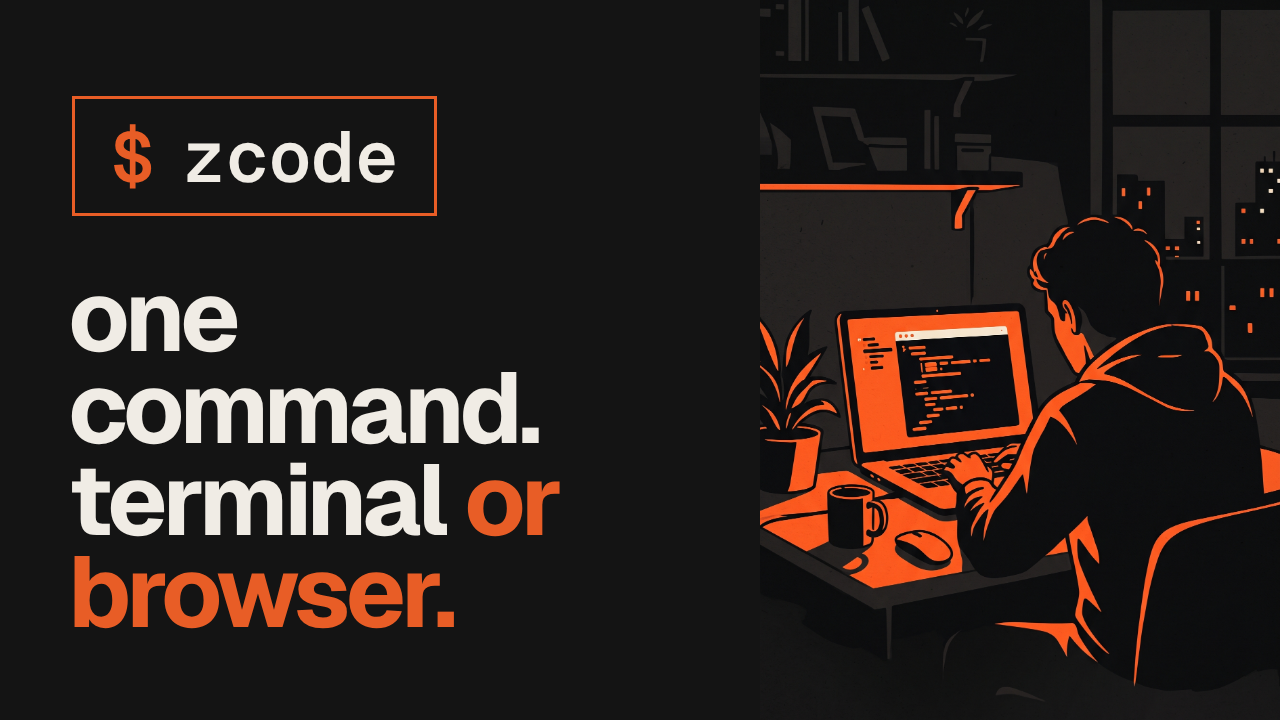
One command, two coding agents: terminal or browser
ZCode is Z.ai's coding agent harness. One command opens it as a terminal agent or a full browser app — your call.
Terminal by default — run
Browser with one flag —
Live concurrency — the workflow engine raises a running task's concurrency limit without stopping it
Fewer tokens burned — release notes say workflow scripts now burn fewer tokens
Git history leak, patched — an earlier build silently uploaded Git history; Z.ai apologized
https://github.com/zai-org/ZCode
ZCode is Z.ai's coding agent harness. One command opens it as a terminal agent or a full browser app — your call.
Terminal by default — run
zcode alone and the TUI agent opensBrowser with one flag —
zcode --web runs the same agent as a web app, no ElectronLive concurrency — the workflow engine raises a running task's concurrency limit without stopping it
Fewer tokens burned — release notes say workflow scripts now burn fewer tokens
Git history leak, patched — an earlier build silently uploaded Git history; Z.ai apologized
How the two faces work
The release package ships one binary. No arguments opens the terminal TUI; the first argument--webswitches to a browser UI instead; any other argument goes straight to the existing Agent CLI. Both modes run on your own machine — it's the separate desktop app that uses Electron, this command-line build doesn't.
Web mode binds to127.0.0.1on a free port by default, with no access token and the browser opened for you. Expose it on the network with--host 0.0.0.0and ZCode turns the token on automatically; pick your own token with--tokenor drop it with--no-token.
Requires: Node.js (version pinned in the repo's mise.toml) to run the release build; Git, Node.js 24.14.0 and pnpm 10.33.2 if you build it yourself. The README names no GPU, OS floor or memory floor beyond that.
The live concurrency bump and the token savings are the project's own release-notes claims, not an independent benchmark — nobody outside the project is named measuring them.
The catch: an earlier ZCode build silently uploaded Git history; Z.ai apologized for it. Worth checking what any agent harness touches in your repo before trusting it fully.
ZCode itself is free and open source, but it still needs a model behind it through its Provider config — the README doesn't say which keys or provider costs that implies.
Use it instead of juggling a separate terminal tool and a browser-based IDE agent when you want one harness, switchable either way. Don't reach for it yet if a past Git-history leak is a dealbreaker for you.
Try it: clone the repo, runpnpm bootstrap, thenpnpm build:zcodeto producedist/zcode/releases/<version>/zcode-<version>.tar.gz— or runpnpm --filter @zcode/cli devto try the CLI straight from source.
https://github.com/zai-org/ZCode
⚡1
⚡ AI News
Survey: Claude users are the wealthiest of any AI app — 80% of weekly Claude users earn over $100k a year versus 37% for Meta AI, Epoch AI/Ipsos finds.
Meta's Muse AI assistant lands on iPad — The agent app arrives on iPad a month after its mobile debut, having already topped 6.6 million installs.
Microsoft unveils $2,599 Surface Laptop Ultra with Nvidia chip — The laptop packs Nvidia's RTX Spark chip with 1 petaflop of AI compute to run 120B-parameter models locally.
Survey: Claude users are the wealthiest of any AI app — 80% of weekly Claude users earn over $100k a year versus 37% for Meta AI, Epoch AI/Ipsos finds.
Meta's Muse AI assistant lands on iPad — The agent app arrives on iPad a month after its mobile debut, having already topped 6.6 million installs.
Microsoft unveils $2,599 Surface Laptop Ultra with Nvidia chip — The laptop packs Nvidia's RTX Spark chip with 1 petaflop of AI compute to run 120B-parameter models locally.
👍2🏆1
An open-source clone of a paid "decision" API
One pipeline call to a closed, paid model — swapped for an open one you run yourself.
Clones Jev — open answer to TypeSafe's closed System One API
Four sizes, 0.8B to 27B — pick one that fits your hardware
4B is the default — small enough to run on a laptop
0.851 vs 0.857 — Kev-27B lands within a point of Jev, per the project's own benchmark
Wire-compatible API — fine-tune the 4B on your own data for about $1
github.com/jaredpalmer/kev
One pipeline call to a closed, paid model — swapped for an open one you run yourself.
Clones Jev — open answer to TypeSafe's closed System One API
Four sizes, 0.8B to 27B — pick one that fits your hardware
4B is the default — small enough to run on a laptop
0.851 vs 0.857 — Kev-27B lands within a point of Jev, per the project's own benchmark
Wire-compatible API — fine-tune the 4B on your own data for about $1
Kev, the open System One
Kev answers yes/no, multiple-choice, or rating questions about a piece of text and returns calibrated probabilities in one pass — built for ticket routing, moderation, and classification, not free-text generation. It's Jared Palmer's open clone of Jev, the closed model behind TypeSafe's System One API; Kev's HTTP API and Python client are deliberately wire-compatible, so existing Jev-calling code can point at a self-hosted Kev server almost unchanged.
Four sizes ship together as "Kev 1.0": 0.8B, 4B (the recommended default), 9B, and 27B. On held-out "new source" data, the project's own benchmark puts Kev-27B at 0.851 accuracy against Jev's 0.857 — a one-point gap by their own measurement, not an independent one. Still per the README, Kev-4B on an H100 answers six questions in 18.1ms of model time, and one container serves about 101 requests/second.
Fine-tuning Kev-4B on your own labeled data costs about $1 on a rented H100 via Modal, and can be kicked off by telling a coding agent to fine-tune on your tickets through a packaged skill:npx skills add jaredpalmer/kev@kev-finetune
Requires: your own GPU to self-host, with the 27B needing 80GB of VRAM; Modal credit only if you fine-tune.
The catch: the most accurate model, 27B, needs that 80GB GPU, out of reach for most setups — the 4B is the one that actually runs locally, and it trails the 27B's accuracy. The tool itself is free and Apache-2.0 licensed — you're not paying TypeSafe, but you still need your own GPU or a cloud rental to run any size.
Use it instead of a hosted classification API when you want your data and your model to stay on infrastructure you control. Don't use it if that one point of accuracy Jev still holds matters more than self-hosting, or if you have no GPU at all.
github.com/jaredpalmer/kev
🔥2
👏1