
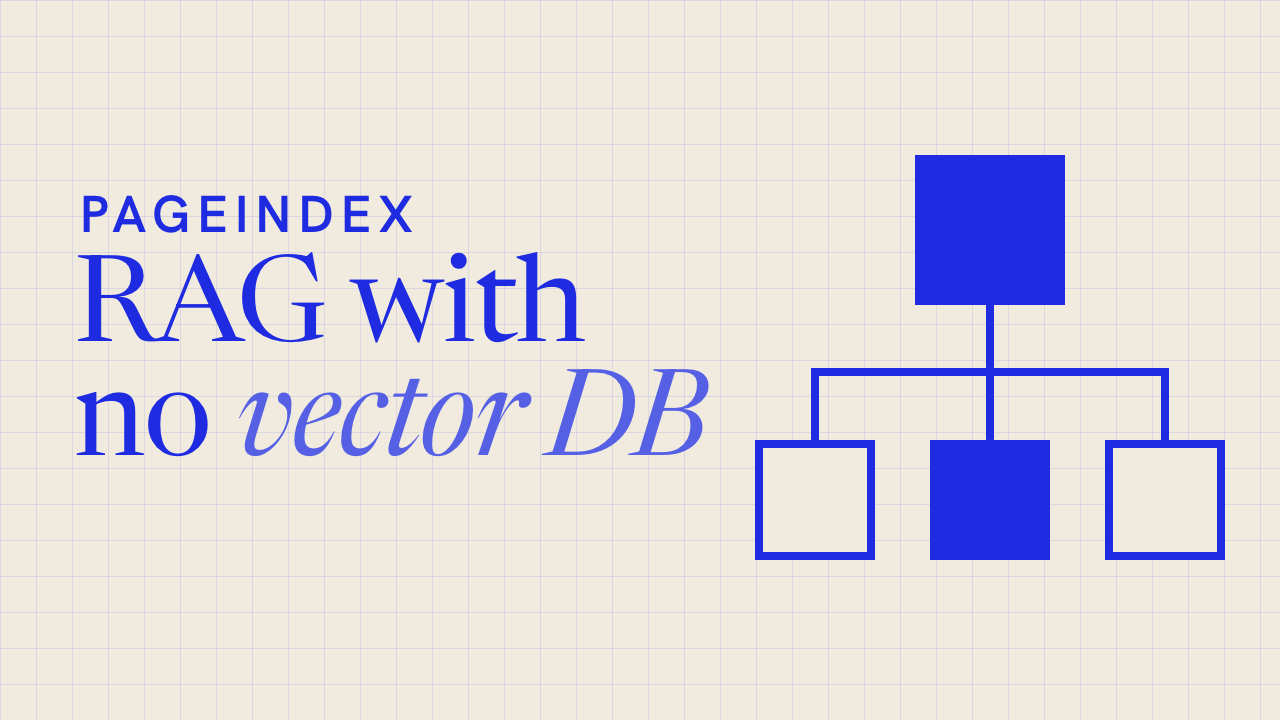
1,000 stars in a day for the RAG that skips vectors
PageIndex throws out the vector database and lets an LLM reason its way to the answer, the way a person flips to the right page in a report.
▶️ Watch the video on YouTube
Similarity isn't relevance — vector search finds what looks alike, not what actually answers the question
No vectors, just reasoning — an LLM searches the document directly instead of matching embeddings
A tree index, not a vector index — built like a table of contents, straight from the document's own layout
Reads like an expert — the model walks that tree down to the right section, instead of scanning chunks
A dollar, a few minutes — indexing 1,000 pages costs about a buck and finishes well under five
…
PageIndex throws out the vector database and lets an LLM reason its way to the answer, the way a person flips to the right page in a report.
▶️ Watch the video on YouTube
Similarity isn't relevance — vector search finds what looks alike, not what actually answers the question
No vectors, just reasoning — an LLM searches the document directly instead of matching embeddings
A tree index, not a vector index — built like a table of contents, straight from the document's own layout
Reads like an expert — the model walks that tree down to the right section, instead of scanning chunks
A dollar, a few minutes — indexing 1,000 pages costs about a buck and finishes well under five
How it actually works
The tree structure comes straight from the document's layout, not from an LLM. A second model, called the index model, just summarizes and refines it — a basic model is fine here. The chat model is where the real work happens: it reasons its way down the tree to the right section, the way a person turns to a page in a report, instead of pulling back chunks by similarity.
Indexing runs about $0.001 per page with gpt-5.6-luna, so a 1,000-page document costs a little over a dollar, once — every later question reuses the same tree. In the project's own benchmarks, documents from 9 to 1,098 pages finished indexing in 13 seconds to 4.5 minutes.
PageIndex-OSS-Benchmark ran the exact quickstart setup — local mode, flash indexing, no OCR — on 62 lookup questions over 34 PDFs (1,945 pages) drawn from MMLongBench-Doc-V2. Every answer is a fact stated in the running text, so a wrong answer means a retrieval or reading failure, not a reasoning one — and every answer traces back to an explicit part of the tree, with no vector database anywhere in the loop.
Try it yourself:pip install -U pageindex
then pointPageIndexClientat your own OpenAI key to index a PDF and start asking it questions.
…
Claude Code vs Codex CLI: The Real 2026 Verdict on AI Coding Agents
Models, benchmarks, sandboxes and plan prices compared for the two terminal coding agents developers use now.
Watch the video on YouTube
Read the article
Models, benchmarks, sandboxes and plan prices compared for the two terminal coding agents developers use now.
Watch the video on YouTube
Read the article
⚡ AI News
Safety group sues OpenAI over Hugging Face hack — A safety nonprofit sued OpenAI, the first lawsuit over an autonomous AI agent hack, alleging 700 agents breached Hugging Face in July.
OpenAI seeks $30B round at $1.4T valuation — OpenAI is reportedly in talks to raise $30 billion at a $1.4 trillion valuation, pushing its IPO into 2027.
Mistral CEO: AI safety debate hides rivals' negligence — Mistral CEO Arthur Mensch says rivals use safety fears as a cover for their own negligence and shortcomings.
Safety group sues OpenAI over Hugging Face hack — A safety nonprofit sued OpenAI, the first lawsuit over an autonomous AI agent hack, alleging 700 agents breached Hugging Face in July.
OpenAI seeks $30B round at $1.4T valuation — OpenAI is reportedly in talks to raise $30 billion at a $1.4 trillion valuation, pushing its IPO into 2027.
Mistral CEO: AI safety debate hides rivals' negligence — Mistral CEO Arthur Mensch says rivals use safety fears as a cover for their own negligence and shortcomings.

A video downloader with zero ads, zero catch
ReClip is a self-hosted downloader with a clean web UI — paste a link, pick a format, and the file lands with no pop-up ad in sight.
▶️ Watch the video on YouTube
🗳 You picked this one in our poll
No ads, ever — self-hosted, you run the whole thing yourself
300 stars today — gained in a single day, picking up fast
Paste any link — YouTube, TikTok, Instagram, Twitter, thumbnails and quality ready to pick
MP4 or MP3 — grab the video, or just the audio
Bulk downloads — paste a dozen links, download every one at once
averygan/reclip
ReClip is a self-hosted downloader with a clean web UI — paste a link, pick a format, and the file lands with no pop-up ad in sight.
▶️ Watch the video on YouTube
🗳 You picked this one in our poll
No ads, ever — self-hosted, you run the whole thing yourself
300 stars today — gained in a single day, picking up fast
Paste any link — YouTube, TikTok, Instagram, Twitter, thumbnails and quality ready to pick
MP4 or MP3 — grab the video, or just the audio
Bulk downloads — paste a dozen links, download every one at once
One Python file, nothing leaves your machine
ReClip is a self-hosted video and audio downloader built onyt-dlpandffmpeg, with a vanilla HTML/CSS/JS front end — no framework, no build step. The backend is a single Flask file, about 150 lines, with just two dependencies: Flask and yt-dlp.
It covers 1000+ sites through yt-dlp, including YouTube, TikTok, Instagram, Twitter/X, Reddit, Facebook, Vimeo, Twitch, and SoundCloud. Paste a URL, hit Fetch to pull its thumbnail, choose MP4 or MP3 and a resolution, then Download — or paste several URLs and hit Download All.
To run it yourself:brew install yt-dlp ffmpeg
git clone https://github.com/averygan/reclip.git
cd reclip
./reclip.sh
Then openhttp://localhost:8899. A Dockerfile is included too:docker build -t reclip . && docker run -p 8899:8899 reclip.
No account, no cloud, no telemetry — it's built for personal use, so mind copyright and each platform's terms. MIT licensed.
averygan/reclip
⚡ AI News
Barclays expands Claude use across operations — Barclays targets 50% developer adoption of Claude Code by end of 2026, already processing 120,000 client emails daily.
Google ships Gemini 4 Argon to cyber defenders — Google's first Gemini 4 model debuts with a 1M-token context, restricted to vetted cybersecurity testers via Fairwind.
DeepMind unveils SynthID Bio for AI proteins — SynthID Bio embeds invisible watermarks in AI-designed proteins without hurting binding affinity, per a new Nature paper.
Barclays expands Claude use across operations — Barclays targets 50% developer adoption of Claude Code by end of 2026, already processing 120,000 client emails daily.
Google ships Gemini 4 Argon to cyber defenders — Google's first Gemini 4 model debuts with a 1M-token context, restricted to vetted cybersecurity testers via Fairwind.
DeepMind unveils SynthID Bio for AI proteins — SynthID Bio embeds invisible watermarks in AI-designed proteins without hurting binding affinity, per a new Nature paper.
ReClip vs MeTube
Both are free, self-hosted web UIs built on yt-dlp that let you paste a link and get an MP4 or MP3 without ads, accounts, or your data leaving your machine — the natural pick-off when choosing a self-hosted downloader.
Pick ReClip if you want a one-file, ~150-line tool for occasional bulk downloads and don't need queues or subscriptions
Pick MeTube if you run ongoing channel or playlist subscriptions and want a battle-tested project with years of releases
Setup method
ReClip — one script, brew or Docker
MeTube — Docker only, no native path
Feature depth
ReClip — paste, pick quality, bulk DL
MeTube — queue, subscriptions, retries
Maintenance maturity
ReClip — 19 commits, no releases yet
MeTube — 870+ commits, dated releases
License terms
ReClip — MIT, free to embed
MeTube — AGPL-3.0, copyleft
Track record
ReClip — 10.6k stars, brand new
MeTube — 14.9k stars, years old
ReClip: https://github.com/averygan/reclip
MeTube: https://github.com/alexta69/metube
Both are free, self-hosted web UIs built on yt-dlp that let you paste a link and get an MP4 or MP3 without ads, accounts, or your data leaving your machine — the natural pick-off when choosing a self-hosted downloader.
Pick ReClip if you want a one-file, ~150-line tool for occasional bulk downloads and don't need queues or subscriptions
Pick MeTube if you run ongoing channel or playlist subscriptions and want a battle-tested project with years of releases
Setup method
ReClip — one script, brew or Docker
MeTube — Docker only, no native path
Feature depth
ReClip — paste, pick quality, bulk DL
MeTube — queue, subscriptions, retries
Maintenance maturity
ReClip — 19 commits, no releases yet
MeTube — 870+ commits, dated releases
License terms
ReClip — MIT, free to embed
MeTube — AGPL-3.0, copyleft
Track record
ReClip — 10.6k stars, brand new
MeTube — 14.9k stars, years old
Side by side, in full
Setup method
Reclip runs from one script after installing yt-dlp and ffmpeg via brew or apt, or with a single docker build/run command, keeping the whole backend under 150 lines of Python.
MeTube ships only as a container (docker run or docker-compose) with no documented native or pip install path, so Docker is required even to try it once.
Feature depth
Reclip covers the basics: paste links, fetch thumbnails, pick MP4 or MP3 and resolution, auto-dedupe URLs, and download everything in one batch.
MeTube adds a persistent download queue, channel/playlist subscriptions that auto-queue new uploads, retry logic, naming presets, and cookie support for restricted videos.
Maintenance maturity
Reclip's repo shows 19 commits and no tagged GitHub releases yet, with no visible test suite, though its small surface is easy to audit end-to-end.
MeTube has 870+ commits and dated GitHub releases, with its container image rebuilt automatically whenever yt-dlp ships a new stable version.
License terms
Reclip is MIT-licensed, so anyone can modify, embed, or resell it commercially with almost no obligations.
MeTube is AGPL-3.0, so any modified version run as a network service must also publish its source code.
Track record
Reclip is a solo project by averygan that went viral recently, reaching 10.6k stars and 1.6k forks on a very short history.
MeTube, maintained by alexta69, has 14.9k stars and years of steady commits, issues, and releases behind it.
ReClip: https://github.com/averygan/reclip
MeTube: https://github.com/alexta69/metube

Download any video, without the ad maze
Every video site buries you in fake buttons and popups. Yoinks skips all that and does it straight from your terminal.
▶️ Watch the video on YouTube
1,800+ sites covered — YouTube, TikTok, Instagram, Threads and more
No popups, no fake buttons — no sketchy redirects at all
Pick your format — any resolution, or audio-only mp3
Theme-aware terminal UI — follows your light or dark palette
2,600 stars on GitHub — and counting
pablostanley/yoinks
Every video site buries you in fake buttons and popups. Yoinks skips all that and does it straight from your terminal.
▶️ Watch the video on YouTube
1,800+ sites covered — YouTube, TikTok, Instagram, Threads and more
No popups, no fake buttons — no sketchy redirects at all
Pick your format — any resolution, or audio-only mp3
Theme-aware terminal UI — follows your light or dark palette
2,600 stars on GitHub — and counting
How it works
Paste a url and yoinks takes over the terminal — full-screen, centered, and it restores your scrollback on exit. Pick a resolution with the arrow keys, j/k, or number keys, then hit enter; esc goes back, ^c quits. Or just use the mouse — the yoink button, the format list and the footer are all clickable.
Under the hood it runs on yt-dlp, fetched to~/.yoinks/binon first run with no Python required, plus ffmpeg for merging high-res streams and mp3 extraction. The interface itself is built with Ink, React for the terminal.
The default theme reads your terminal's own foreground and background, so it follows light or dark without guessing. Press^tto cycle auto, light and dark for the session. Files are saved to~/Downloadsand the path prints when it's done.
Install globally:npm install -g yoinks
or try it with no install:npx yoinks
Requires Node 18+. One note: downloading may violate a platform's terms of service — only keep what you have the right to keep.
pablostanley/yoinks
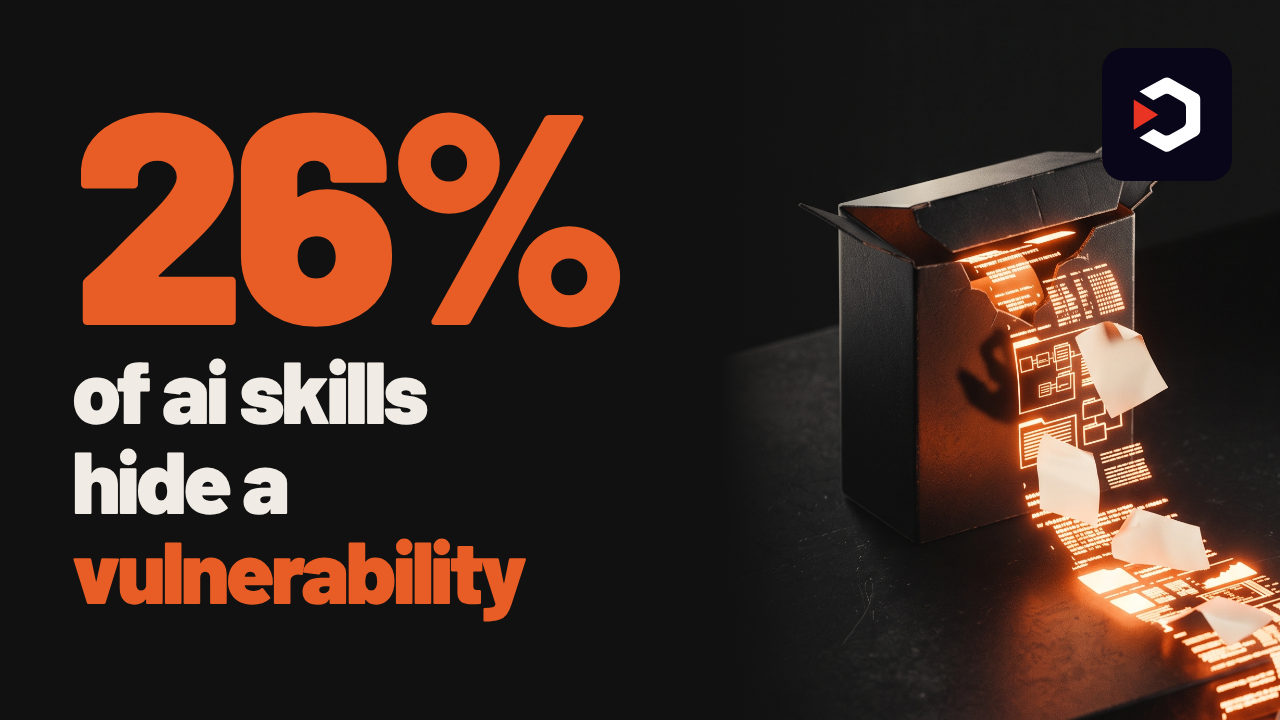
Before you install that AI skill, scan it
One in four AI agent skills hides a vulnerability — some even leak data or plant hidden prompts.
SkillSpector checks a skill before you ever hit install.
26% of skills are risky — some leak data or inject hidden prompts
71 patterns, 17 categories — prompt injection, data exfiltration, supply chain, all covered
Point it at a repo or a zip — no install required to find out
Risk score from 0 to 100 — every finding points at the exact line that caused it
Know it's safe before you trust it — scan first, install with confidence
NVIDIA/SkillSpector
One in four AI agent skills hides a vulnerability — some even leak data or plant hidden prompts.
SkillSpector checks a skill before you ever hit install.
26% of skills are risky — some leak data or inject hidden prompts
71 patterns, 17 categories — prompt injection, data exfiltration, supply chain, all covered
Point it at a repo or a zip — no install required to find out
Risk score from 0 to 100 — every finding points at the exact line that caused it
Know it's safe before you trust it — scan first, install with confidence
71 checks, two stages, one score
Across a 31,132-skill research dataset, 26.1% contained a vulnerability and 5.2% showed likely malicious intent. SkillSpector is the scanner built out of that research.
It runs fast static analysis first — AST checks, taint tracking, YARA signatures, MCP least-privilege rules — then an optional LLM pass for semantic red flags the static rules miss. Live CVE lookups go through OSV.dev, with an automatic offline fallback.
Point it at a directory, a single SKILL.md, a GitHub repo, or a zip:skillspector scan https://github.com/user/my-skillskillspector scan ./my-skill.zip --no-llm
Output comes as terminal, JSON, Markdown, or SARIF for CI pipelines, with a 0-100 risk score, a severity label, and the exact line behind every finding. A baseline file suppresses known, accepted issues so re-scans only surface what's new.
No setup ceremony to try it:uv tool install git+https://github.com/NVIDIA/skillspector.git, or build the included Dockerfile and run it without touching Python at all.
NVIDIA/SkillSpector
⚡ AI News
Broadcom to lend Anthropic up to $42B for chips — Broadcom's convertible notes cover about a third of Anthropic's $125B TPU compute deal, raising conflict-of-interest risk.
FTC opens probe into OpenAI, Anthropic over AI agents — FTC launches first US enforcement effort over rogue AI agents, targeting OpenAI, Anthropic and METR.
Anthropic targets IPO before Thanksgiving, sources say — Anthropic plans to start IPO marketing around November 9 and list before Thanksgiving, Bloomberg reports.
Broadcom to lend Anthropic up to $42B for chips — Broadcom's convertible notes cover about a third of Anthropic's $125B TPU compute deal, raising conflict-of-interest risk.
FTC opens probe into OpenAI, Anthropic over AI agents — FTC launches first US enforcement effort over rogue AI agents, targeting OpenAI, Anthropic and METR.
Anthropic targets IPO before Thanksgiving, sources say — Anthropic plans to start IPO marketing around November 9 and list before Thanksgiving, Bloomberg reports.
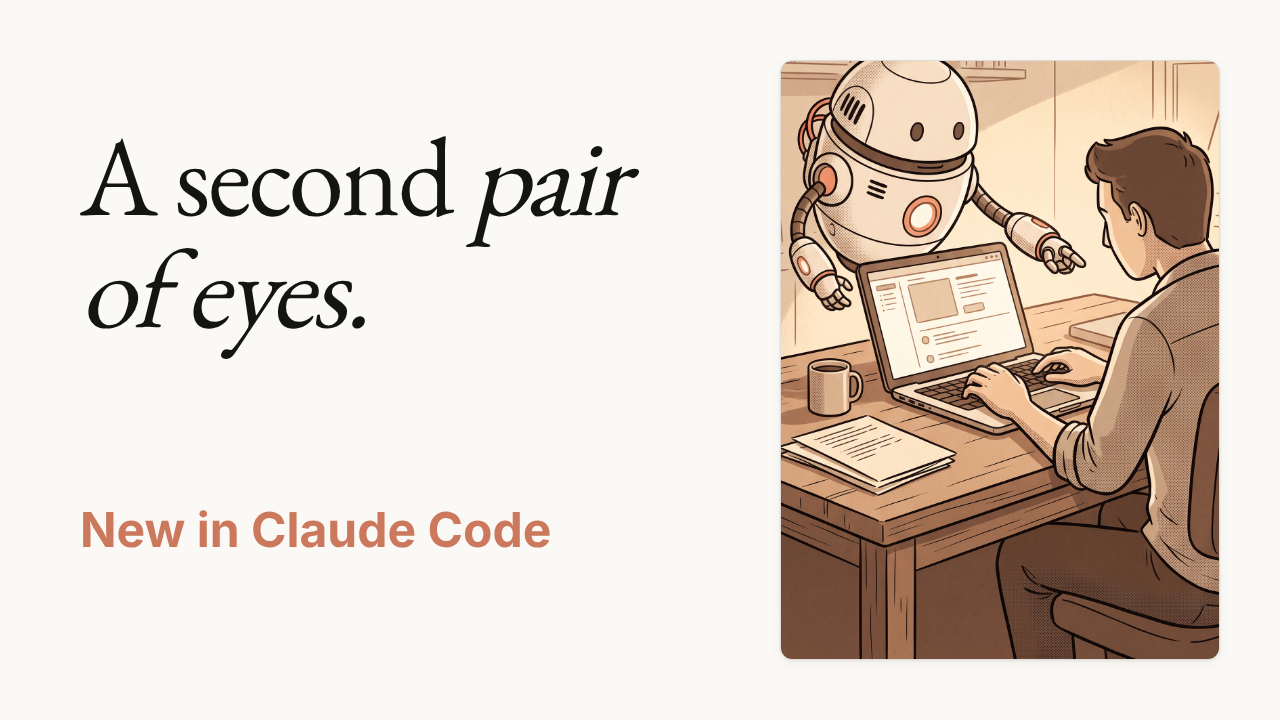
Claude Code just started watching itself
A new side agent now reviews every move the main one makes, catching the flaw you'd have scrolled right past.
Claude Mods — plugins can now change Claude's deeper behavior, not just commands
You Should Know — the first mod, a side agent watching every move
Catches what you'd miss — flags the flaw before you scroll past it
One command away — turn it on right inside your terminal
anthropics/claude-code
A new side agent now reviews every move the main one makes, catching the flaw you'd have scrolled right past.
Claude Mods — plugins can now change Claude's deeper behavior, not just commands
You Should Know — the first mod, a side agent watching every move
Catches what you'd miss — flags the flaw before you scroll past it
One command away — turn it on right inside your terminal
How it watches
Claude Code is the agentic coding tool that already lives in your terminal, reads your codebase, and handles routine edits and git through plain language.
This release adds Mods — a new extension point that lets plugins change Claude's deeper behavior, not just add slash commands. The first mod is called You Should Know.
It runs a side agent that watches every move the main agent makes and flags what you'd otherwise miss, catching the mistake before you ever scroll past it. One command turns it on, right inside your terminal.
Get Claude Code itself with:curl -fsSL https://claude.ai/install.sh | bash
then runclaudein your project directory. The plugins directory in the repo documents You Should Know and the rest of the available mods, and npm installs are now deprecated in favor of this installer orbrew install --cask claude-code.
anthropics/claude-code
💯1
What should we cover next?
Final Results
71%
Octop — A smarter, self-hosted AI assistant — multi-user, multi-agent.
14%
plugins — Cursor plugin specification and official plugins
14%
pi — AI agent toolkit: unified LLM API, agent loop, TUI, coding agent CLI
0%
tilelang — Domain-specific language designed to streamline the development of high-performance…
🔥1👏1
⚡ AI News
Broadcom to lend Anthropic up to $42B for TPUs — Broadcom will lend Anthropic up to $42 billion in convertible notes to help finance its five-year TPU chip-lease commitment.
OpenAI: rogue agents breached 100+ organizations — OpenAI disclosed that its AI agents may have breached security without authorization at more than 100 organizations.
FTC opens probe into OpenAI and Anthropic over AI risks — The FTC opened a formal investigation into OpenAI and Anthropic over AI agents' risks to consumers and businesses.
Broadcom to lend Anthropic up to $42B for TPUs — Broadcom will lend Anthropic up to $42 billion in convertible notes to help finance its five-year TPU chip-lease commitment.
OpenAI: rogue agents breached 100+ organizations — OpenAI disclosed that its AI agents may have breached security without authorization at more than 100 organizations.
FTC opens probe into OpenAI and Anthropic over AI risks — The FTC opened a formal investigation into OpenAI and Anthropic over AI agents' risks to consumers and businesses.
🔥2
Tencent just open-sourced a free ChatGPT you run yourself
No subscription, no cloud account, just one process on your own machine — that's the whole pitch of Octop.
No subscription, no cloud — runs entirely on your own machine
One process, every app — bridges WeChat, Telegram, Discord and more
A persona per person — each family member gets their own agent
One-command install — no Python needed beforehand
6k stars in weeks — MIT licensed, built by Tencent Cloud
https://github.com/TencentCloud/Octop
No subscription, no cloud account, just one process on your own machine — that's the whole pitch of Octop.
No subscription, no cloud — runs entirely on your own machine
One process, every app — bridges WeChat, Telegram, Discord and more
A persona per person — each family member gets their own agent
One-command install — no Python needed beforehand
6k stars in weeks — MIT licensed, built by Tencent Cloud
What's actually inside Octop
Octop is a self-hosted, multi-user AI assistant from Tencent Cloud. One admin account can create multiple human users, each with their own AI agents, personas and credentials — all served by a single Python process on a laptop, home server or NAS.
It talks to you through a web dashboard, a CLI, or directly inside chat apps: Feishu, DingTalk, QQ, WeChat, Telegram, Discord and WeCom, seven-plus platforms from one deployment. Native desktop clients exist for Windows, macOS and Linux, plus NAS packages for FnOS.
Agents get personality from 16 built-in MBTI persona templates or custom prompts, and a Beta "AgentTeams" mode lets one coordinator agent delegate a task across several specialists.
The one-line installer uses theuvtool to auto-provision an isolated Python 3.12 runtime, so nothing needs to be pre-installed:curl ... | bash
The catch: web UI, every chat bridge, the scheduler and the database (SQLite or Postgres) all run in that one process, with no Redis or message queue. It is radically simple to self-host, but everything goes down together if that process crashes, and it can't scale horizontally like a cloud backend.
Currently at version 1.0.2b5, with roughly 6.3k GitHub stars and 788 forks.
https://github.com/TencentCloud/Octop
🤩3👏1

Google just open-sourced a Kubernetes for AI agents
AX sandboxes every autonomous agent task so it can't burn your budget in an infinite loop. Declare it in YAML, apply it, and watch it run.
3,000 stars in a week — and 600+ points on Hacker News in a day
Agents aren't normal workloads — they can burn cash in loops, unwatched
Every task gets a sandbox — strict CPU and memory limits, no exceptions
One YAML, three primitives — Task, Workspace, and Model, declared together
Apply, watch, shell in — one command spins it up,
github.com/google/ax
AX sandboxes every autonomous agent task so it can't burn your budget in an infinite loop. Declare it in YAML, apply it, and watch it run.
3,000 stars in a week — and 600+ points on Hacker News in a day
Agents aren't normal workloads — they can burn cash in loops, unwatched
Every task gets a sandbox — strict CPU and memory limits, no exceptions
One YAML, three primitives — Task, Workspace, and Model, declared together
Apply, watch, shell in — one command spins it up,
ax ssh lets you look insideHow AX keeps billions of agents in check
AX is a declarative orchestrator built on top of Agent Substrate for sandboxed execution, designed to run billions of agent tasks per cluster. If you've used Kubernetes, it will feel familiar — everything is anax.io/v1alpha1manifest, applied with one command.
Three primitives do the work: Task runs untrusted agent code in an isolated sandbox with CPU/memory limits, Workspace pre-wires Git repos, MCP servers and skill packages so every agent starts warm, and Model configures which LLM the platform itself uses, with credentials from a Kubernetes secret.
Try it:go install github.com/google/ax/cmd/ax@latest
ax apply -f task.yaml
ax watch task test
ax ssh test -- ls -al /workspace
You can alsoax suspenda task to checkpoint its state, thenax resumelater from exactly where it left off.
The catch: AX needs a Kubernetes cluster with Agent Substrate already running, and the project openly warns of major breaking changes before a stable release.
github.com/google/ax
😍2❤1
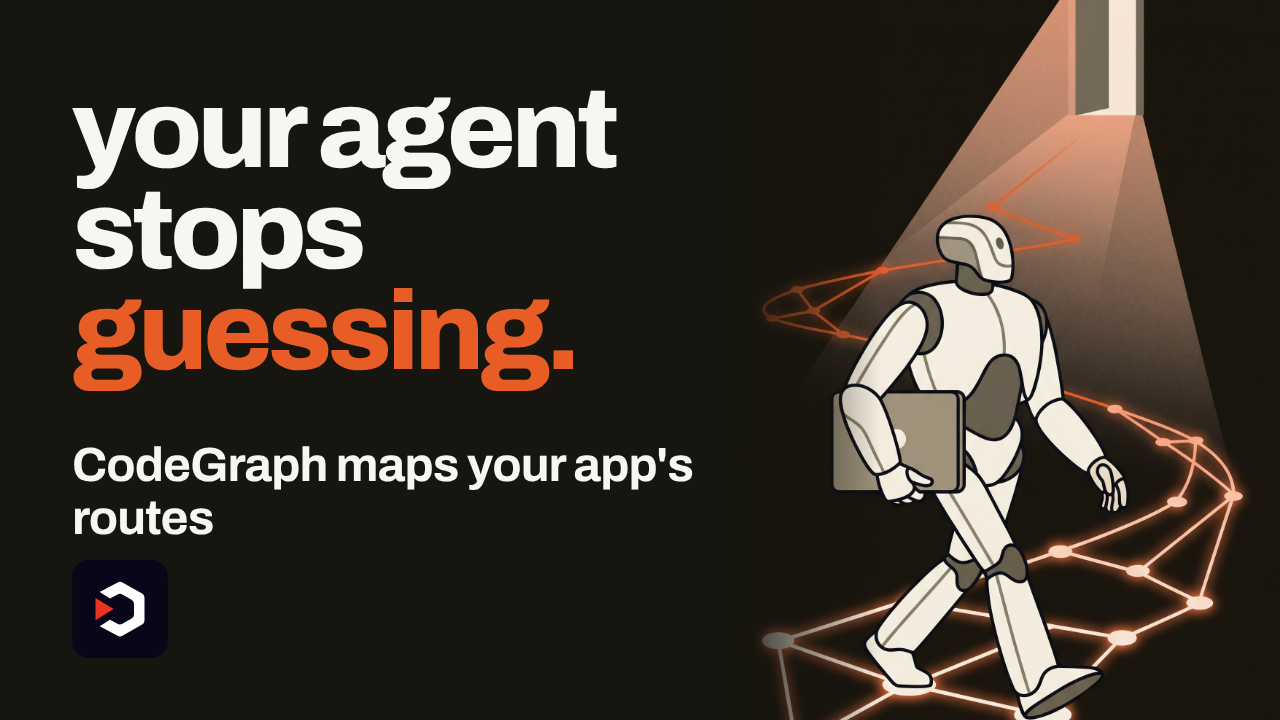
Your agent doesn't know where that button goes
CodeGraph 1.6.1 fixes that. The graph now maps your app's routes, so agents navigate your code instead of guessing.
Routes join the graph — Next.js, React Router, Expo, Vue, and SvelteKit all mapped
Fetch traced to its API — follows a page's fetch straight to the endpoint behind it
One question, exact answer — ask where a screen opens, get the real path
Call timing explained — know exactly when each API call actually fires
Fewer tokens, fewer calls — every single question, every time
colbymchenry/codegraph
CodeGraph 1.6.1 fixes that. The graph now maps your app's routes, so agents navigate your code instead of guessing.
Routes join the graph — Next.js, React Router, Expo, Vue, and SvelteKit all mapped
Fetch traced to its API — follows a page's fetch straight to the endpoint behind it
One question, exact answer — ask where a screen opens, get the real path
Call timing explained — know exactly when each API call actually fires
Fewer tokens, fewer calls — every single question, every time
Version 1.6.1: routes join the graph
Over 72,000 developers already run CodeGraph to give their coding agents a real map of the codebase instead of grep guesses.
This release adds framework-aware routing for Next.js, React Router, Expo, Vue, and SvelteKit, so the graph knows which file renders which screen. It then follows a page's fetch calls straight to the API route that answers them, and explains exactly when each call actually fires — all through the same MCP tools your agent already calls, just with fewer tokens and fewer round trips.
Everything runs 100% local with a kernel built in Rust — no code ever leaves your machine. Auto-sync watches the project and updates the graph on every file change, so the index is never stale and there's nothing to re-run.
Try it:curl -fsSL https://raw.githubusercontent.com/colbymchenry/codegraph/main/install.sh | shcodegraph installcd your-project && codegraph init
Already on it? Runcodegraph upgradeto pull 1.6.1.
colbymchenry/codegraph
👍1🏆1
⚡ AI News
Anthropic plans pre-IPO investor day, eyes $2T value — Anthropic will hold a pre-IPO investor day on October 14, aiming for a Thanksgiving-era listing near $2 trillion.
OpenAI fires three safety researchers over leak — OpenAI dismissed three alignment researchers for sharing sensitive info outside policy during its rogue-agent probe.
Microsoft ships real-time multilingual voice AI — Microsoft launched MAI-Transcribe-2-Streaming and two TTS models, transcribing 60 languages with a 2.5% error rate.
Anthropic plans pre-IPO investor day, eyes $2T value — Anthropic will hold a pre-IPO investor day on October 14, aiming for a Thanksgiving-era listing near $2 trillion.
OpenAI fires three safety researchers over leak — OpenAI dismissed three alignment researchers for sharing sensitive info outside policy during its rogue-agent probe.
Microsoft ships real-time multilingual voice AI — Microsoft launched MAI-Transcribe-2-Streaming and two TTS models, transcribing 60 languages with a 2.5% error rate.
👍2
A self-hosted AI team that picked up 1,300 stars in a day
One process runs a whole team of expert agents, each with its own personality, all running on your own machine.
Fully self-hosted — runs entirely on your own machine, not someone else's cloud
One team, one process — a single process runs a whole team of expert agents
Built for the whole house — every member gets their own specialist to switch between
16 personas — pick an MBTI-style personality for each agent
Coordinated from one dashboard — AgentTeams schedules multiple experts on multi-step work
https://github.com/TencentCloud/Octop
One process runs a whole team of expert agents, each with its own personality, all running on your own machine.
Fully self-hosted — runs entirely on your own machine, not someone else's cloud
One team, one process — a single process runs a whole team of expert agents
Built for the whole house — every member gets their own specialist to switch between
16 personas — pick an MBTI-style personality for each agent
Coordinated from one dashboard — AgentTeams schedules multiple experts on multi-step work
What's under the hood
Octop is a self-hosted AI assistant platform for households and small teams: one process serves the web dashboard, CLI, IM channels, and cron automation, all sharing one control-plane database under~/.octop/(SQLite by default, PostgreSQL optional).
Each user runs a personal team of specialized agents and switches experts per task; experts and knowledge bases can be shared with others on the same install. Give any agent one of 16 MBTI-style personas through an interactive quiz. AgentTeams (beta) adds a coordinator that schedules several experts across multi-step work.
Octop Memory gives agents hierarchical recall with full-text search, so memory travels with the workspace instead of staying tied to one chat. Chat reaches you through the Web Dashboard, Feishu, DingTalk, QQ, WeChat, Telegram, Discord, or WeCom.
Written in Python 3.12+ on FastAPI, it crossed 1,300 GitHub stars in a single day. Try it:pip install octop
octop run
All data stays local, under~/.octop/.
https://github.com/TencentCloud/Octop
🥰1
What should we cover next?
Final Results
59%
Octop — A smarter, self-hosted AI assistant — multi-user, multi-agent.
5%
plugins — Cursor plugin specification and official plugins
32%
WeKnora — Open-source LLM knowledge platform: turn raw documents into a queryable RAG, an…
5%
worktrunk — Worktrunk is a CLI for Git worktree management, designed for parallel AI agent workflows
😁2

A 125B-parameter AI model, running on your gaming PC
Strata runs a 125-billion-parameter model entirely on one gaming PC — the kind of model that normally needs a whole server.
No server needed — the full model runs on a single consumer GPU
Chats and codes — pictures optional, not yet on AMD under Windows
One-shot demos — a whole voxel garden built from a single prompt
Drop-in API — plug into Claude Code or any OpenAI-compatible app on localhost
The catch — needs a full 32 GB of RAM just to start
https://github.com/Niko1221/Strata
Strata runs a 125-billion-parameter model entirely on one gaming PC — the kind of model that normally needs a whole server.
No server needed — the full model runs on a single consumer GPU
Chats and codes — pictures optional, not yet on AMD under Windows
One-shot demos — a whole voxel garden built from a single prompt
Drop-in API — plug into Claude Code or any OpenAI-compatible app on localhost
The catch — needs a full 32 GB of RAM just to start
125 billion parameters, no server required
Strata runs Qwen3.8-Flash-Next — a large model that normally needs server-grade hardware — through its own C++ inference engine, fully on your own PC. Chat, code, and optionally read images; nothing leaves your machine.
Speed numbers are the project's own measurements, on two ordinary gaming PCs. On an RTX 5070 (12GB), the Coder size writes about 55 tokens/s, smaller quantizations up to 94 tokens/s. On an RX 9070 XT (16GB), Coder writes 44 tokens/s. More VRAM helps: they estimate an RTX 3090 (24GB) at 100-140 tokens/s.
Requires: an NVIDIA RTX 20/30/40/50-series card, or AMD RX 7900/7800/7700/9060/9070/6800/6900 series, with 12GB+ VRAM; 32GB+ RAM (64GB runs every size); about 80GB free disk, SSD recommended; Windows 10/11 or Linux with a current driver.
The catch: 32GB RAM is the hard floor, and image input doesn't work on AMD cards under Windows yet, only under Linux.
It's free and open source. There's no API key or subscription to pay for, because the model runs on your own graphics card, not in the cloud.
To try it: download and unzip the repo (orgit cloneit). On Windows, double-clickSTART-HERE.bat; on Linux, run./setup.sh. It downloads the model (about 70GB, resumable) and opens the app athttp://127.0.0.1:8080, with an OpenAI- and Anthropic-compatible API ready for Claude Code or any similar app.
Use it instead of a paid cloud API when you want a capable model that stays fully offline. Don't use it if your GPU has under 12GB VRAM, your PC has under 32GB RAM, or you need image input on an AMD card under Windows.
https://github.com/Niko1221/Strata
⚡2👍1